A good gaming mouse in 2026 costs under fifty dollars, and the gap between budget and flagship has narrowed to features most players never use. Optical or high-end laser sensors, click latency, and weight once justified premium prices; today, sub-$50 models ship with sensors tracking well beyond human flick speed, and the honest differentiators left are shape, switches, and wireless. This review explains the buying logic for budget mice in 2026, names the categories of pick worth shortlisting, and flags the specs you can safely ignore.
Casino Game Guru publishes buying guidance as information; prices move constantly, so verify current listings before purchase.
What actually matters in a budget gaming mouse?
Four things, in order: shape, sensor class, switch quality, and weight. Shape dominates because a mouse that fits your grip prevents fatigue that no specification fixes. Sensor class matters less than marketing suggests; any modern optical sensor from a major manufacturer tracks accurately above the speeds human wrists produce. Switch quality determines how many clicks before the buttons wear out, with reputable brands rating tens of millions. Weight is preference: light for fast-paced shooters, a bit heavier for steady aim.
Which specs can you safely ignore under $50?
- DPI above 8,000. Human hands and standard desk sizes make five-digit DPI numbers a sticker feature, not a capability.
- Polling rates above 1,000 Hz on a budget mouse. True 4,000-plus Hz requires expensive supporting hardware and delivers gains only top-tier competitors could measure.
- Software suites with macro recording. Useful for a niche; bloatware for everyone else.
- RGB lighting. Costs battery on wireless models and nothing else measurable.
What should a wired budget pick deliver?
For roughly twenty to thirty dollars, wired mice from established peripheral brands deliver a proven optical sensor, mechanical switches rated for tens of millions of clicks, and a flexible cable. The wired category is where budget value peaks: no charging, no battery weight, no latency debate. Classic symmetrical shapes remain available in this tier, and lightweight models under seventy grams, once a premium niche, appeared at budget prices through 2025. The compromise zone is durability of side buttons and cable, where budget models cut costs first.
Is wireless worth it under fifty dollars?
Yes, for the first time comfortably. Through 2025, sub-$50 2.4 GHz wireless mice from major brands reached latency that competitive players cannot reliably distinguish from wired in blind use, with battery life measured in weeks or months, and some models added Bluetooth for laptop use. The real remaining trade-offs are weight, since a battery adds grams, and charging discipline. If the mouse doubles for work and travel, wireless at this price is a reasonable call; if it lives on one desk for ranked matches only, wired still buys more mouse per dollar.
How do the tiers compare?
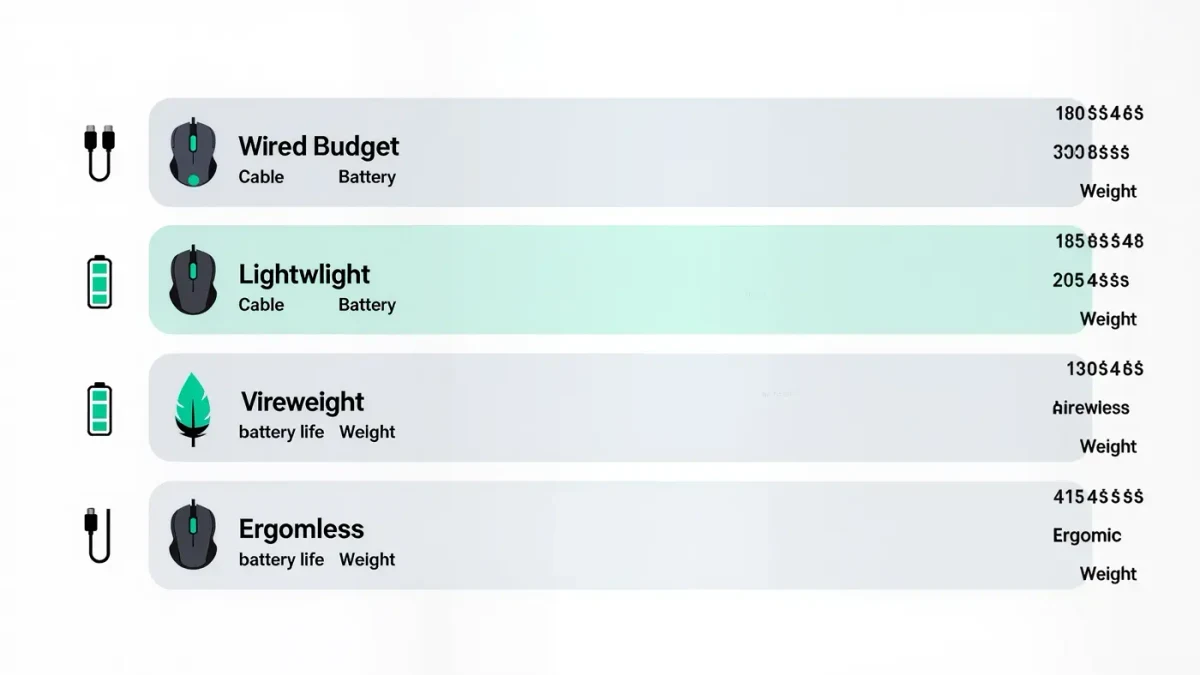
| Tier | Price | What you get | Best for |
|---|---|---|---|
| Wired budget | $15-30 | Reliable optical sensor, solid switches, no frills | Best value overall |
| Lightweight wired | $25-45 | Under 70 g, flexible cable | Fast shooters |
| Wireless budget | $30-50 | 2.4 GHz low latency, weeks of battery | Desk and travel mix |
| Ergonomic | $25-50 | Right-handed sculpted shape, thumb rest | Long sessions, palm grip |
How do you test a mouse before committing?
Use the return window deliberately. Spend the first two days on grip checks: does your hand rest closed or clawed, and do side buttons fall under your thumb without stretching? Then test tracking with any free browser aim trainer, moving the cursor in slow circles and fast flicks; modern sensors pass both easily, so failures point to a defective unit or a bad surface. Check the surface itself before blaming the mouse; a plain desk often outperforms a worn cloth pad. Purchase timing matters too; peripheral discounts track the retail calendar, and pricing coverage during major sale periods by outlets including Bloomberg shows the same products swinging thirty percent within weeks.
How do grip style and hand size change the pick?
More than any spec on the box. Palm grip players — the whole hand resting on the mouse — need larger, taller shells that support the arch of the hand; claw grip players, who arch their fingers with the rear palm touching, suit medium-sized humped shapes; fingertip grip, where only the fingers touch, works best with small flat mice that steer from the fingertips. Hand size moves the decision just as much: a mouse marketed as comfortable can be unusable for large hands if the fingers overhang the front buttons, and tiny for small hands if side buttons sit out of reach under the thumb. Symmetrical shapes suit left-handed players and grip switching; sculpted right-handed shells suit long palm-grip sessions. None of this appears on a spec sheet, which is exactly why the return-window grip test described above decides more than any review.
What is the honest ceiling of budget mice?
What you give up at this price is refinement, not function: no exotic lightweight magnesium shells, no adjustable scroll-wheel resistance, no top-tier warranty terms. A fifty-dollar mouse in 2026 will not measurably hold back anyone below professional play. Spend the saved money where it shows, on a good desk surface or a monitor upgrade, and buy the mouse for your hand, not its box numbers.
For more context, read Best Gaming Headsets Under $100: What Good Audio Costs.
For more context, read death stranding 2 pc.
For more context, read Best Free-to-Play PC Games: What Is Honestly Free in 2026.