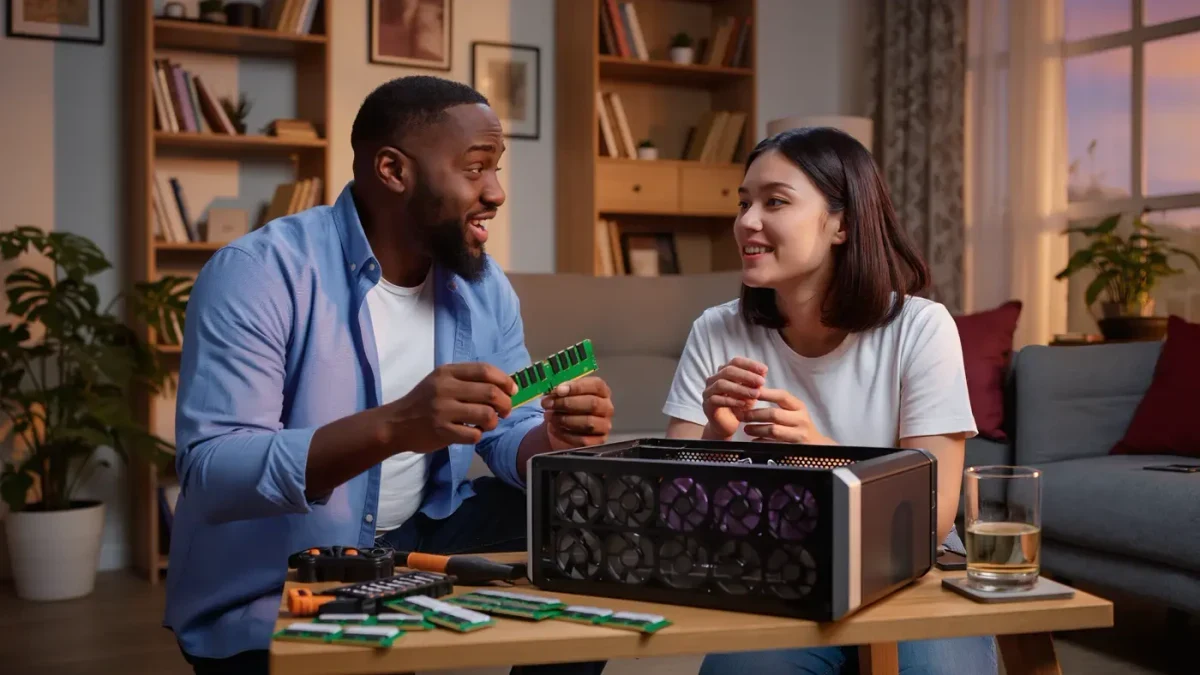
For most PC gaming in 2026, 16 GB of RAM is enough: the recommended requirements of most big releases from 2024 and 2025 list 16 GB, and the games that want more are the exception, not the rule. Thirty-two gigabytes helps in three specific cases — heavy simulation and strategy games, heavily modded playthroughs, and streaming or video editing while playing. For everyone else, extra memory mostly sits unused.
Casino Game Guru publishes information, not purchasing advice — check current prices and your own game library before you buy. This guide explains what RAM actually does in a gaming PC, so you can match the number to your own habits instead of guessing.
What does RAM actually do while you game?
RAM is the short-term working memory the PC uses for data it needs right now: the loaded level, the textures it is about to draw, the game's logic, and everything the operating system keeps alive in the background. When RAM fills up, Windows starts moving data to a page file on your SSD or hard drive, which is far slower — and that is when you get long loading hitches, alt-tab delays, and stutters that do not show up in an average FPS number.
The key point: having more RAM than you use adds nothing. Memory is not like a bigger engine; it is more like a bigger desk. A desk that is twice as large does not make you write faster once everything you need already fits on it.
Is 16 GB still the sweet spot in 2026?
Yes. Through 2025, most major releases listed 16 GB in their recommended requirements — the tier meant for comfortable play at 1080p and 1440p with high settings. Minimum requirements, the tier for booting the game at low settings, mostly still sat at 8 GB. That gap tells you the real story: 8 GB runs many games but leaves little room for a browser, Discord, or a launcher running alongside them.
Practical reading of the tiers:
- 8 GB — workable for older games and lighter modern titles, but background apps compete for the same memory.
- 16 GB — the default. Comfortable headroom for the game plus voice chat, a browser with a dozen tabs, and the launcher.
- 32 GB — for simulation and strategy games with large maps, heavily modded games, or a second heavy workload running at the same time.
- 64 GB and up — content production territory. No mainstream game released through 2025 needs this.
Which games actually push past 16 GB?
The pattern is consistent: open-world simulation, large-scale strategy, and city builders are the memory-hungry genres. Titles with big simulated populations or long save histories — grand strategy campaigns that run for hundreds of turns, city builders with large populations, open-world RPGs with heavy traffic and NPC simulation — can climb well past 16 GB once a session matures. Competitive shooters and most esports titles, by contrast, are engineered to run on modest hardware and rarely need more than 16 GB.
Mods change the math faster than anything else. Large mod packs for open-world RPGs and sandbox games routinely add gigabytes of assets, and modded campaigns are one of the most common reasons a 16 GB machine starts paging to disk.
Does RAM speed matter as much as capacity?
Capacity first, speed second. On modern AMD and Intel platforms, the practical sweet spot through 2025 was DDR4-3600 or DDR5-6000 — the speed range where memory stops being a bottleneck without paying the steep price of exotic kits. Faster kits help mainly in games that are CPU-limited: competitive shooters at low resolutions, big simulation titles. In GPU-limited play at 1440p or 4K, the difference between standard and fast memory usually shrinks to a few percent.
Two rules cover most builds: buy two matching sticks rather than one, so the memory runs in dual-channel mode — single-channel can cost real performance — and check your motherboard's qualified vendor list before buying an aggressive speed rating.
How do you check whether you need more RAM?
Windows makes this a five-minute test. Open Task Manager while playing your most demanding game for 20 to 30 minutes, then check memory use. If committed memory sits below about 13–14 GB on a 16 GB machine, more RAM will not fix anything you are experiencing. If it is pinned near the ceiling and the game hitches when you alt-tab, capacity is a fair suspect — though stuttering can also come from storage, drivers, or shader compilation, so treat memory as one suspect among several.
Is it better to buy 32 GB now or add it later?
Later, in most cases. Memory is one of the easiest upgrades in a desktop PC: two sticks, two slots, no driver reinstall. Buying 16 GB now and adding an identical kit only if you actually hit the ceiling keeps money free for the component that shapes most of your experience — the graphics card. The one argument for 32 GB up front is if you already know your use case demands it: modded campaigns, simulation games, or streaming while playing.
RAM vs. everything else: where does your money go first?
For pure gaming performance, the rough priority order on a modern machine is graphics card first, then CPU, then memory capacity, then memory speed. A 16 GB machine with a strong GPU beats a 32 GB machine with a weak one in nearly every game released through 2025. Memory upgrades feel attractive because they are cheap, but cheap is not the same as decisive.
What about laptops and mini PCs?
The same numbers apply, with one caveat: many laptops and mini PCs solder part or all of their memory, so whatever you buy is what you keep. On those machines, the case for ordering 32 GB up front is stronger than on a desktop, because the later upgrade path may not exist. Check the spec sheet for "soldered" or "onboard" memory before you assume you can add more.
In short: 16 GB is the honest default for gaming in 2026, 32 GB is a targeted tool for simulation, mods, and multitasking — and anything beyond that is a workload decision, not a gaming one.
For more context, read How to Fix PC Game Stuttering: A Diagnosis Guide.
For more context, read how to read pc game system requirements.
For more context, read Prebuilt vs. Custom Gaming PC: Which to Choose in 2026.