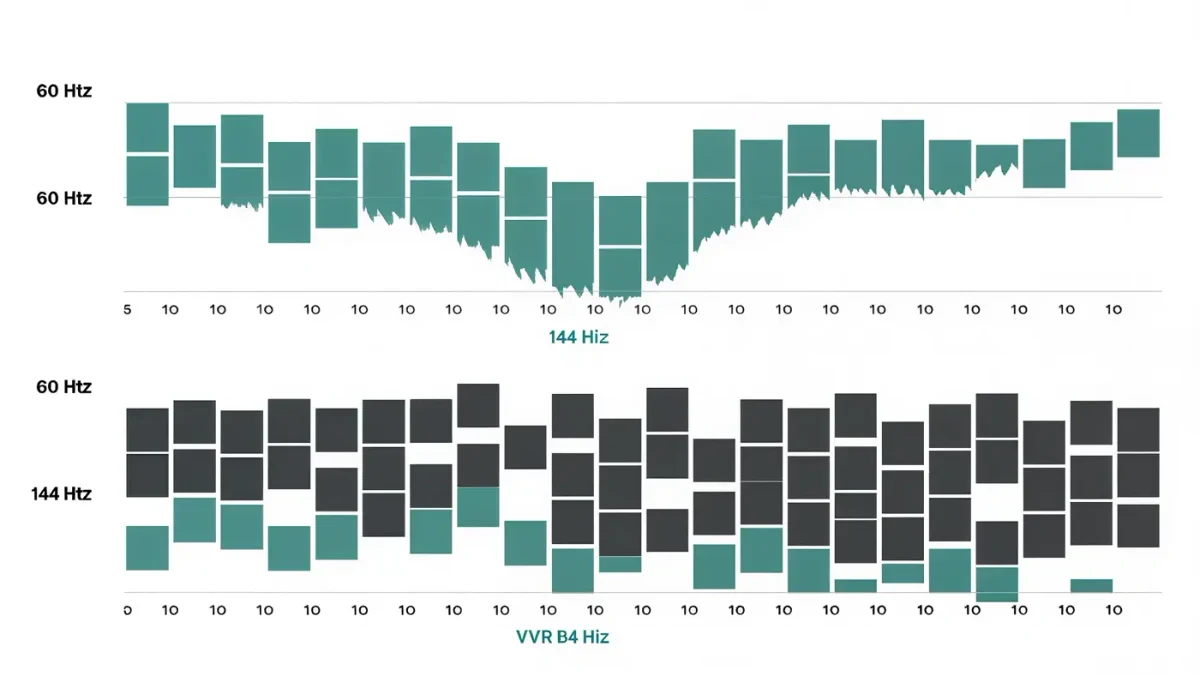
FPS (frames per second) measures how many images your PC produces each second; refresh rate, measured in hertz (Hz), counts how many times per second your monitor redraws the screen. They are independent clocks: a 60 Hz monitor shows at most 60 frames a second no matter what the PC produces, and a 240 Hz monitor cannot help a game running at 40 FPS. Most of the confusing vocabulary in PC graphics — tearing, V-sync, variable refresh rate — describes what happens when these two clocks disagree.
Casino Game Guru publishes information, not purchasing advice. This explainer covers what each term means, how the numbers interact, and which ones are worth paying for.
What is FPS, exactly?
Each frame is one complete still image; the PC's GPU renders them one after another, and displaying 60 of them per second creates the illusion of motion. Frame rate is not constant: it falls when the scene gets complex — a crowded fight, an open vista, smoke and fog — and rises in corridors and menus. That variability is why average FPS matters less than people think and why the floor matters more: a game averaging 70 FPS that dips to 35 feels worse than a locked 60.
What is refresh rate, exactly?
The monitor redraws its entire panel on a fixed cadence: 60 times a second at 60 Hz, 144 at 144 Hz, and so on. Higher refresh rates existed on gaming monitors well before games ran that fast — 144 Hz and 240 Hz panels were mainstream gaming displays through 2025 — because the monitor's cadence also governs motion clarity and input response even at lower frame rates.
What happens when FPS and refresh rate disagree?
Three familiar problems, all from the same root cause:
- Screen tearing — the monitor refreshes mid-frame and catches two different frames on screen at once, seen as a horizontal tear line. Happens when FPS does not match the refresh cadence and vertical sync is off.
- Stutter — with V-sync on and FPS below refresh, the monitor sometimes repeats a frame while waiting for the next, and motion visibly hitches.
- Latency — V-sync also makes the GPU wait for the monitor, adding a few milliseconds of input delay that competitive players notice.
The old fix forced a hard choice between tearing (V-sync off) and stutter plus latency (V-sync on).
What does variable refresh rate (VRR) do?
It retires that choice. With VRR — sold as NVIDIA G-Sync, AMD FreeSync, or the HDMI Forum's VRR — the monitor synchronizes its redraw to the frames the GPU actually delivers, within a supported range. Frames arrive when ready; the monitor shows each one; tearing and repeat-frame stutter both disappear, without V-sync's queue-and-wait latency. Through 2025, FreeSync and G-Sync-compatible support was effectively standard on gaming monitors and on the current console generation. The one honest limit: below the display's minimum refresh range (often 30–48 Hz), VRR stops syncing and the old problems can return — which is why a modest frame cap above that floor is common practice.
Does a higher refresh rate really make you better at games?
It makes information arrive sooner and cleaner, and that part is measurable: at 144 Hz a new frame reaches your eyes in under 7 milliseconds versus 16.7 at 60 Hz, and motion blur between frames shrinks, making moving targets easier to track. Controlled studies and the behavior of every professional player point the same direction. But the improvement shrinks with each step — 60 to 144 is a clear jump, 144 to 240 subtle, 240 to 360 measurable mainly in esports. Frame rate and refresh rate also only help when the game, the settings, and your reaction time can use them; a 240 Hz monitor does not aim for you.
How do FPS caps and V-sync fit together now?
The modern recipe, in order: enable VRR in the monitor and driver; leave V-sync off in-game but optionally on in the GPU control panel to catch the top of the VRR range; cap the frame rate a few frames below the maximum refresh rate (a common convention is three below) so the GPU never saturates and frame pacing stays even. In single-player games where smoothness beats response, some players cap at half the refresh rate on struggling hardware — a steady 60 beats a wobbling 75.
Can you see more than 60 FPS?
Yes, though not as discrete images. Above roughly 60 frames a second the eye stops separating individual frames, but motion smoothness, motion-blur reduction, and input latency keep improving well beyond it — the difference between 60 and 144 Hz is visible to most people in a side-by-side cursor or camera-pan test, and unmistakable to anyone who has played a fast shooter on both. The claim that everything above 60 is wasted was tested by the market years ago and did not survive it.
How do frame time and 1% lows fit in?
FPS averages hide the spikes that you feel. Frame time — milliseconds per frame — is the direct measurement: 16.7 ms averages 60 FPS, but one 80 ms spike is a visible hitch even inside a great average. The "1% low" figure reports the FPS of your worst 1% of frames and is the most honest single number for smoothness. When comparing hardware or settings, look at the 1% low first; the average flatters, the low tells you what you will feel.
What refresh rate should a typical player buy?
For a mixed single-player diet at 1440p, 120–165 Hz is the sensible mainstream band through 2025, with VRR treated as mandatory rather than optional. Competitive shooters reward 240 Hz and above for players who compete; slower strategy and adventure games gain little beyond 60–120. Match the monitor to the frame rates your machine actually produces — an expensive panel your GPU cannot feed is a handsome decoration.
For more context, read How to Fix PC Game Stuttering: A Diagnosis Guide.
For more context, read best graphics settings for fps.
For more context, read DLSS vs. FSR: Upscaling Explained Without the Marketing.