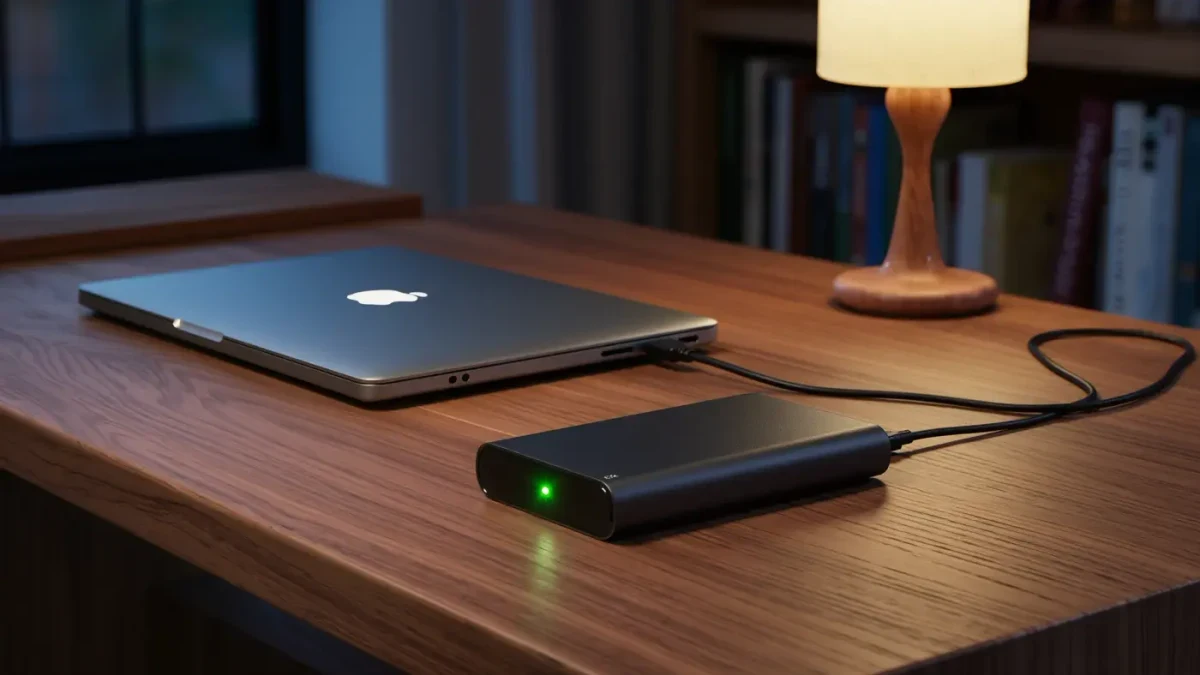
Back up game saves with a two-layer approach: enable cloud sync in every launcher you use, and keep a manual copy of the save folders that matter most. Cloud sync fails more often than players assume — it can silently skip games whose developers never enabled it, and sync can carry a corrupted save over your good copy. A local backup you control is the only layer that survives both. On Windows, most saves live under Documents or hidden AppData folders, and finding them once per game is most of the work.
This is a practical data-care guide, not a guarantee against every failure mode. Anything irreplaceable deserves at least two copies in two places.
Where do PC games actually store saves?
Four common locations. Documents, in a My Games subfolder, used by many titles. AppData, under Roaming or Local — reach it by typing percent-appdata percent or percent-localappdata percent in the address bar. The game's install folder itself, usually only older titles. And Steam's userdata folder for games using Steam Cloud. The PC Gaming Wiki lists the exact save path per game, which turns a search into a lookup.
How do you copy a save correctly?
Close the game first — many titles write the save on exit, so copying mid-session grabs an old file. Copy the whole game-named folder, not just one file, because games often split progress, settings, and profile data across several files. Paste it into a backup folder named for the game and the date. Test a restore once: overwrite the live folder with your copy and confirm the game loads the expected progress. An untested backup is a hope, not a backup.
What does Steam Cloud actually cover?
Only games whose developers enabled it — check the cloud icon in the game's Steam properties, or the Steam store page's Steam Cloud feature list. When it is on, Steam syncs on launch and exit, and shows a conflict dialog if local and cloud copies disagree. That conflict dialog is your friend: choosing carefully preserves the newer progress. When a game lacks cloud support, the userdata folder stays local, and only your manual copies protect it.
Do consoles need backups too?
Less urgently, because PlayStation Plus and Xbox Live Gold or Game Pass tiers include cloud storage for saves as a standard feature, synced automatically per game. The gap is subscription lapse: if storage lapses long enough, platform policies govern what remains. For a long single-player run, the safest extra is exporting a save where a game offers it, or keeping the subscription active through a playthrough you care about.
How do you automate the boring part?
Two practical routes. A free sync tool such as the widely used open-source FreeFileSync can mirror a folder of save directories to an external drive or a second location on a schedule. Or put your collected saves folder inside a general cloud drive folder you already sync, so changes ride along automatically. Either way, the one-time setup is collecting the save folders into a single parent folder — after that, automation handles it.
What about the 3-2-1 idea?
The classic rule — three copies, two different media, one offsite — sounds heavier than it needs to be for saves. Scaled down: the live save, one copy on an external drive, one copy in a cloud folder. That covers drive death, ransomware, and the house-level disaster at once. Saves are tiny; a decade of save files fits in a few gigabytes, so cost is not the constraint — habit is.
Which saves deserve the most care?
Games with long single-player runs and no cloud support: many emulation setups, modded games where saves bind to specific mod versions, and anything where the save holds creation — a city builder metropolis, a sports franchise decades deep, a survival base. Multiplayer progress stored on servers needs no backup from you; the developer's servers are the system of record.
How do you back up modded games?
Modded games need their mod loadout backed up alongside the save, because many saves reference content the base game does not contain. Copy the game's mods folder and your mod-manager profiles directory together with the save folder — label all three with the same date, since a save from one mod version can crash under another. Before updating a big mod or the game itself, take a snapshot. Ten minutes of copying protects the dozens of hours a modded playthrough represents.
What mistakes ruin otherwise good backups?
Three repeat offenders. Copying while the game runs, capturing stale files. Backing up to the same drive only, which dies with everything else. And overwriting a good backup with a corrupted current save — keep a couple of dated versions rather than one folder that mirrors whatever exists now, so a save-breaking bug does not propagate into every copy you own.
What should you do before a big change?
Before reinstalling Windows, switching drives, uninstalling a game, or installing a major mod, take a fresh dated copy of that game's save folder. These four events account for most save losses, and all four are scheduled moments — the easiest possible time to remember a copy that takes thirty seconds.
For more context, read How to Manage Your Game Library Storage Without Rebuying Drives.
For more context, read how to use controller on pc.
For more context, read How Blackjack's House Edge Actually Works.